Organise workflows.
Review information.
Prepare introductions.
Projekt Phantom works across three equally important areas: digital solutions and process optimisation, Phantom Check as a source-based review within an agreed scope, and international commodity business contacts with prequalification. Every assignment produces something you can read, review and share.
Three equal paths: digital solutions, source-based checks and international commodity contacts. Choose your starting point.
The examples illustrate how we work. Case-specific details are anonymised or fictional.
- Record
- Organise
- Decide
- Sources
- Comparison
- Dossier
- Enquiry profile
- Documents
- Pre-qualified contact
Three equally important areas of work
- 01 / DIGITALProcess optimisationA process map and an interactive prototype for your workflow.
- 02 / PHANTOM CHECKPhantom CheckA dated report with sources, findings and outstanding evidence.
- 03 / COMMODITIESCommoditiesEnquiry profile and prepared introductions where there is a suitable basis.
- Enquiry
- Process
- Result
Digital demos
All demos- 01 / Operational workflowsFieldwork & Reporting
- 02 / Team processesTeam & Time
- 03 / Context systemsKnowledge & Decisions
Limits and approach
- Agreed scope
The task, subject and form of the deliverable are agreed in advance, rather than promised across the board.
- Evidence-based statements
Findings identify their source. Anything unsupported is identified as an open point.
- No guarantees
No guarantees are given for authenticity, security, delivery, savings or business success.
- 01 / UNDERSTANDClarify the task.
- 02 / DESIGNMake connections clear.
- 03 / BUILDBring it to life.
- 04 / REVIEWLearn through use.
Three equally important areas of work
 01 / DIGITAL
Digital solutions and process optimisation
We document the current workflow, design the target workflow and build a clear digital interface, adding automation only where it fits.
Result: A process map and an interactive prototype for your workflow.
- Fieldwork & Reporting
- Team & Time
- Knowledge & Decisions
 02 / PHANTOM CHECK
Source-based review within an agreed scope
Review questions can cover business partners, documents, processes, markets and technology. Individual reviews are just one optional component.
Result: A dated report with sources, findings, inconsistencies and missing evidence.
- Partners
- Documents
- Processes
- Markets
- Technology
 03 / COMMODITIES
International commodity business contacts
Finding and prequalifying contacts, coordinating communication and supporting evidence. Transport and logistics remain with the responsible parties.
Result: Enquiry profile and prepared introductions where there is a suitable basis.
- Requirements & goods
- Roles & documents
- Parties & banks
Three example workflows
- 01 · Enquiry
“Reports come in as photos, notes and calls. Nobody can see the current status.”
- 02 · ConceptRecordOrganiseDecide
- 03 · Interface Sketch
- Report B-07Under review
- Report B-04Pending
- Report A-12Completed
- 01 · Question
“Do the sender, company details and stated role in this offer match up?”
- 02 · Sources
- Example completed: Offer document reviewed
- Example completed: Registry details cross-checked
- Example pending: Request power of attorney
- 03 · Dossier Diagram
- Finding
- partly supported by evidence
- Inconsistency
- registered office details
- Pending
- power of attorney
- 01 · Enquiry
- Goods
- Bauxite (example)
- Target market
- to be clarified
- Role
- to be clarified
- 02 · Prequalification
- Example completed: Roles distinguished
- Example completed: Documents reviewed
- Example pending: Confirm mandate
- 03 · Coordination Diagram
BuyerCoordinationSellereach with their own bank
Reading guide: All three workflows are sketches using fictional information. They illustrate how we work, rather than client cases or results. In the commodities workflow, we clarify key details, missing information and responsibilities, then coordinate contacts and the next discussion steps where there is a suitable basis.
See the approach
beyond the promises.
Three scenarios from different areas of work. They form part of the process optimisation path: each card shows a mini view and opens an interactive demo with fictional example data.
Fieldwork & Reporting
From an observation on site to a clear decision in the office.
- 01 Record a report
- 02 Organise the status
- 03 View the decision
Keep reports traceable from the worksite to the decision.
Open the example workflowTeam & Time
Time, shifts and approval in one clear process.
- 01 Record time
- 02 Review a discrepancy
- 03 Approval status
Make discrepancies visible before approval.
Open the example workflowKnowledge & Decisions
See the connections before information is lost.
- 01 Open a source
- 02 Connect the context
- 03 Support a decision
Connect sources and decisions.
Open the example workflowClear results.
Clear limits.
The task, subject and form of the deliverable are agreed in advance, rather than promised across the board.
Findings identify their source. Anything unsupported is identified as an open point.
No guarantees are given for authenticity, security, delivery, savings or business success.
A good process
makes quality visible.
- 01 / UNDERSTAND
Clarify the task.
We start with the actual problem, the people involved and the information available.
- 02 / DESIGN
Make connections clear.
Requirements become a clear structure, a visual concept and a workflow that can be tested.
- 03 / BUILD
Bring it to life.
We build the interface and make key workflows directly interactive.
- 04 / REVIEW
Learn through use.
We check functionality and clarity, then make targeted improvements.
A space for
ideas in motion.
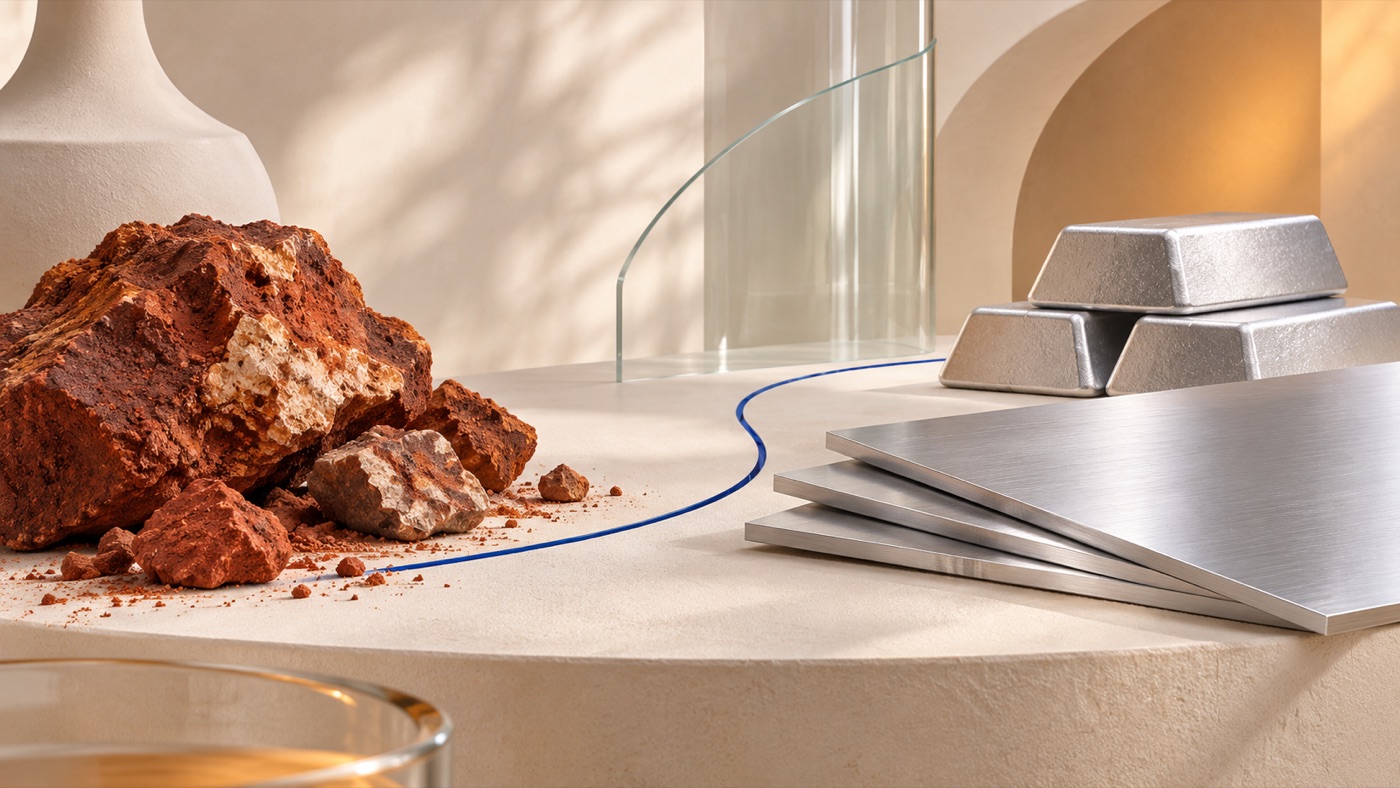
The website works in full with its own graphics and interactions. Selected film sequences will be added later; until then, storyboard stills show the stories they will tell.
- Scattered information cards
- Connections form
- Cards become a workspace
Connected system
View the video concept
12 seconds, 16:9, silent, seamless loop, light warm background. Three calm phases: (1) schematic information cards (note, photo reference, enquiry) are scattered; (2) fine blue lines connect them; (3) the cards form a clear workspace with status rows (pending, under review, completed). All cards are placeholder blocks only, with no readable text, logos, faces or real data. No ceramic, glass or architectural spaces, robots or brains.
- Note card
- Site plan with marker
- Workspace
From the field to an overview
View the video concept
15 seconds, 16:9, silent, three calm shots of around five seconds each: (1) a schematic note card made of placeholder blocks, (2) an abstract site plan with a marker, (3) a transition to a light workspace with three status rows. No readable data, real people, client names, brands or logos; no real photographs, ceramic or glass objects.